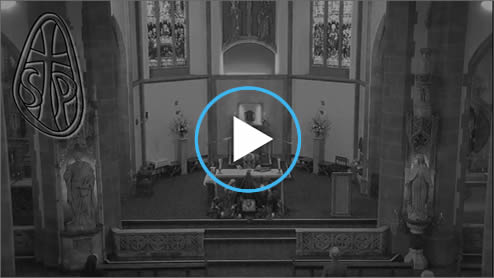
After entering your password you will see an image similar to this. To view the live stream click or touch the triangle in the middle.
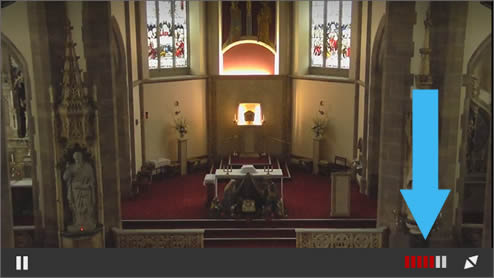
To adjust the volume click or touch the volume control in the bottom right. You may also need to adjust the volume on your device.
(If you cannot see the control bar containing the volume control then touch anywhere in the live stream or hover your mouse over it)
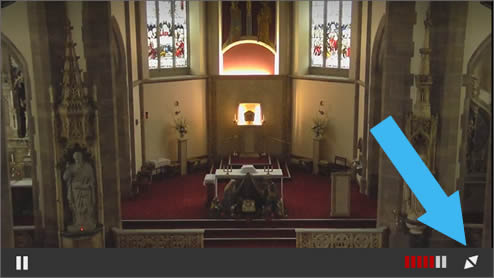
To maximise the stream to take up the full screen click or touch the symbol in the bottom right.
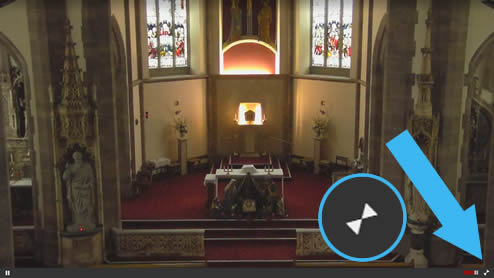
When maximised, to return the stream to a size that it appears within the website page, click or touch the symbol in the bottom right. On a PC you can also return the stream to normal size by pressing the ‘Esc’ key.
When finished there is no need to log out, just close the browser tab or app you are using.